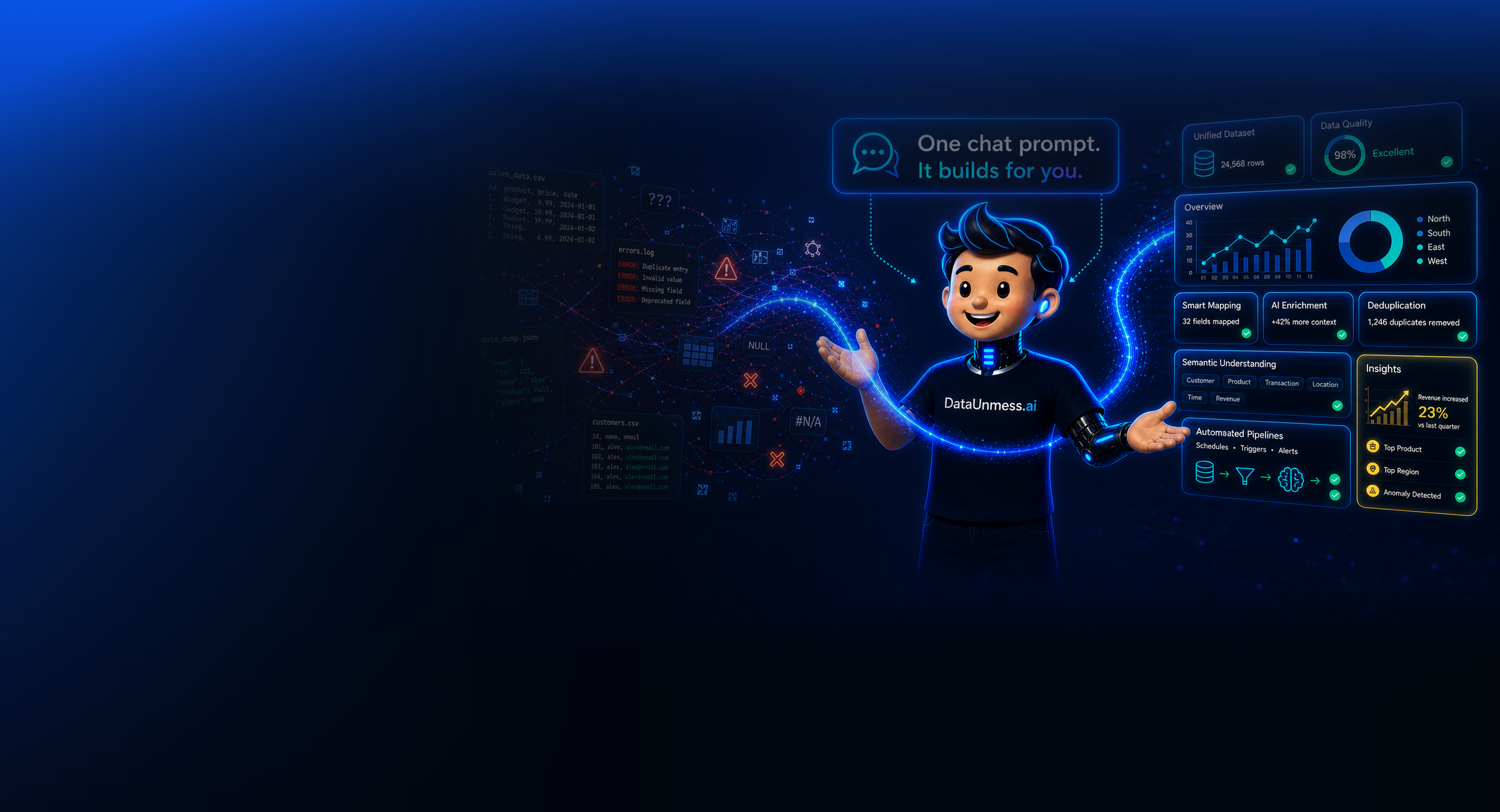
Use your own AI subscription. No API keys required.

Your data. Any AI.
No data team.

A complete data platform — pipelines, flowcharts, data science, and dashboards — built by the AI you already pay for. Just connect your data; no engineer required. Or hand it to our team to set up for you.

No API tokensNo data teamAny AI clientLive data, not demos
Claude Desktop
You
Assistant
DataUnmess · query_data → build_chart × 5
DataUnmess
Revenue Overview
Postgres · last 30 days
live
Revenue
125.4k
▲ 12.5%
Conversion
3.24%
▼ 0.5%
Avg Order
$68
▲ 5.2%
Users
8.4k
▲ 6.1%
Sales by Category
ElecClothHomeSportBooksToysMisc
Revenue Trend
JanFebMarAprMayJunJul
Traffic Sources
11.0kvisitors
Stacked Revenue
Q1Q2Q3Q4
waiting for prompt…

A complete data platform

Four surfaces.
One workspace.

Pipelines, flowcharts, data science, and dashboards — all driven by your AI of choice through MCP. No data team required to wire it up.

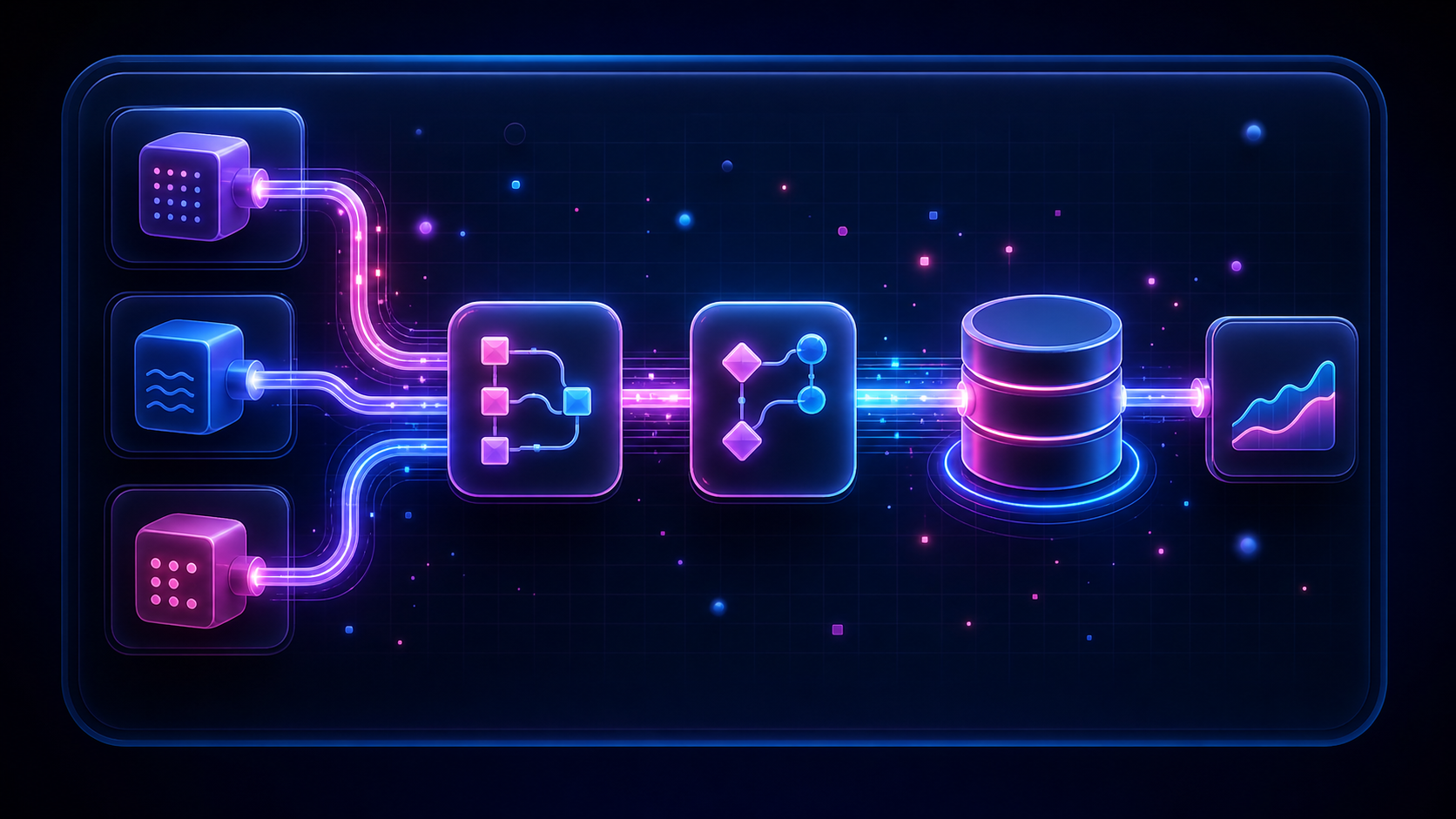
Data Pipelines

Sketch the ETL, then watch your AI fill it in. SQL transforms, joins, aggregations, derives — validated on a sample before it runs against your warehouse.

Flowcharts

Diagram pipelines, decision trees, architecture. Mermaid in, dash flows out. Editable by AI or hand, with auto-layout and per-node icons.

Soon

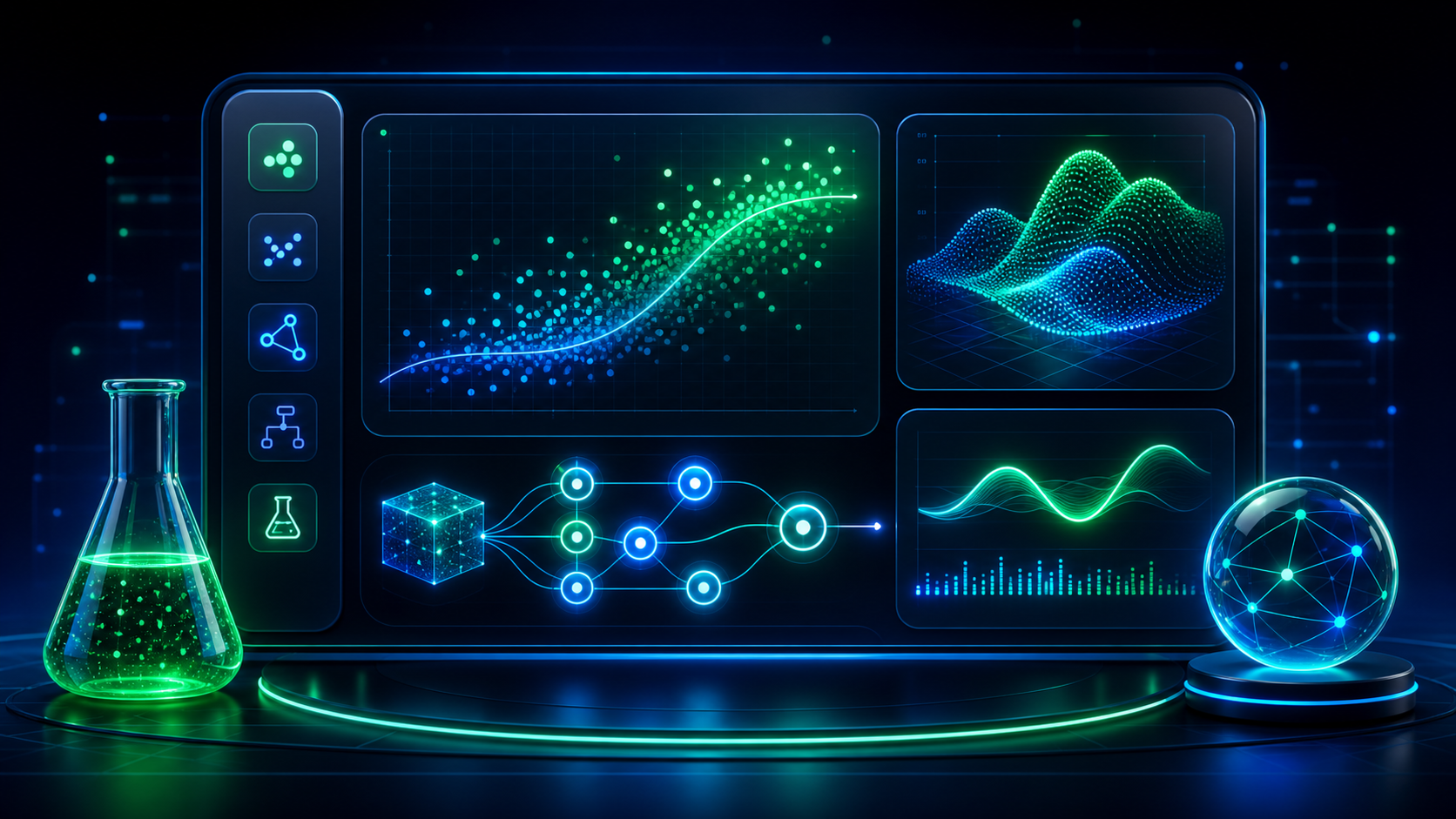
Data Science

Conversational analysis on your data — cohort splits, regressions, attribution. Returns charts, not text walls.

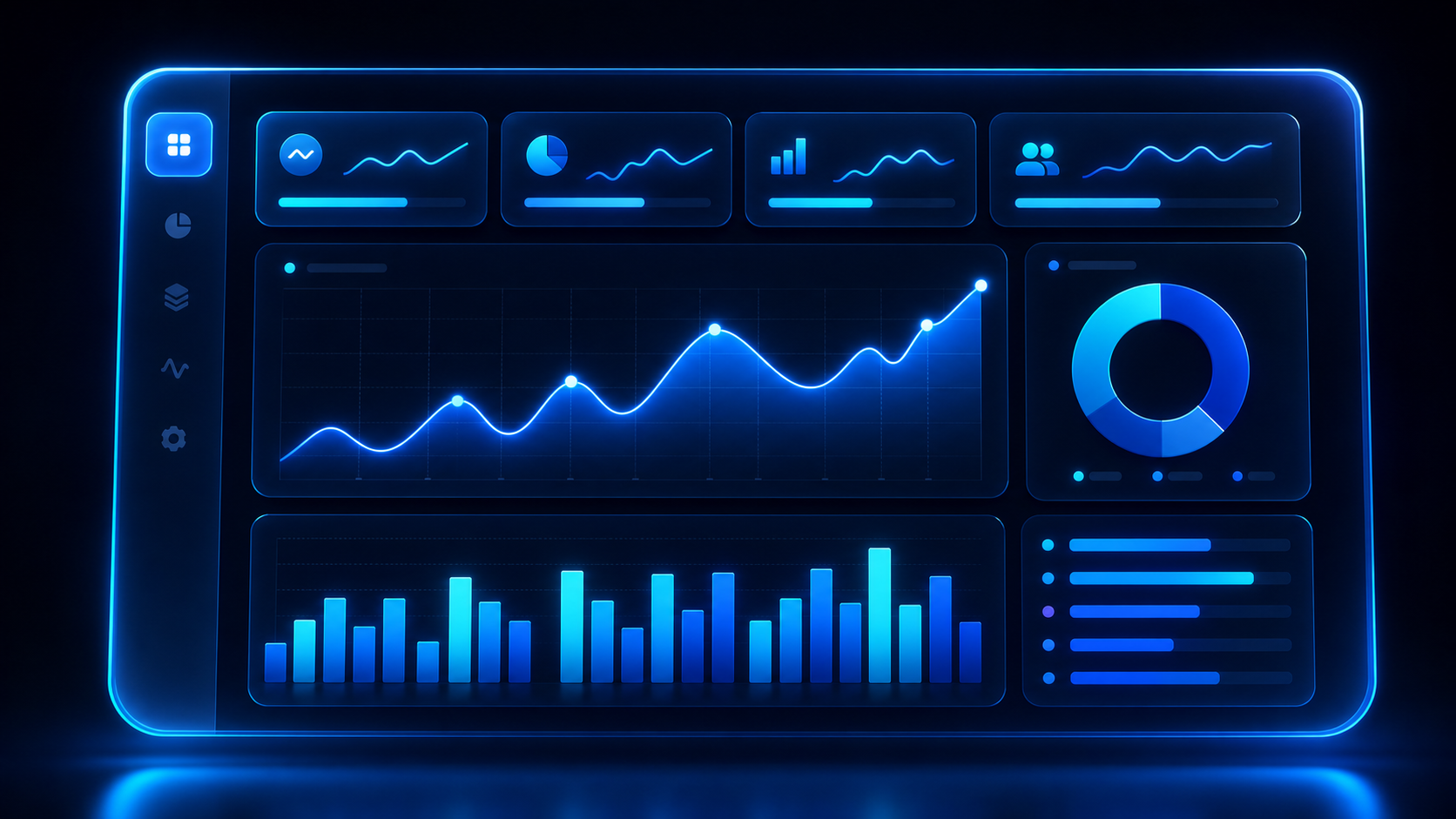
Dashboards

Live multi-chart layouts. KPIs, time series, distributions, comparisons — re-querying your real warehouse on every reload.

What Claude.ai can't do

Not another artifact in a chat.

Claude.ai and ChatGPT already draw charts — for a conversation, with fake data, locked to one vendor. DataUnmess gives your AI a real warehouse, a persistent team workspace, and artifacts it can re-query every time you open them. No tokens spent on reload.

No API tokens. Any AI.

Paste our hosted MCP endpoint into Claude Desktop, ChatGPT, Cursor, Claude Code, or Windsurf. Use the flagship model your subscription already unlocks — Opus, GPT-5, whatever — billed to them, not to us.

Live data, not frozen demos

Connect Postgres, MySQL, Snowflake, ClickHouse, BigQuery, CSV, Excel, Google Sheets, or any REST API. Charts carry a query spec and re-run on every reload — zero AI tokens to open a saved dashboard.

Teams, not conversations

Workspaces with viewer / editor / owner roles. Dashboards and flows belong to the team — not to the chat that generated them. Invite, share, revoke.

Lineage & flow editor

Trace how a metric was built. Model data pipelines visually with interactive lineage graphs. Data-engineering-grade, not chat-grade.

Executable data pipelines

Ask the AI to clean a Google Sheet ("dedupe by email", "split full_name", "normalize phone numbers"). It compiles a DuckDB plan, previews the result, and writes a NEW spreadsheet — your original is never touched.

20+ chart types

Bar, line, donut, area, scatter, treemap, funnel, radar, sankey, heatmap, waterfall, gantt, ridgeline, and more.

Data science exploration

Aggregate, filter, and visualize through conversation. The AI writes the SQL; you see the charts.

AI edits everything

"Remove the dollar sign." "Sort descending." "Switch to ocean theme." Every UI setting is also reachable through natural language.

15+ themes

Carbon, Ocean, Sunset, Glow, Ember, and more — or build your own. Switch themes via chat or the Style panel.

Undo works on AI edits

Every AI action goes through the same history stack as a manual edit. Ctrl+Z rolls back anything.

How it works

From your warehouse
to your team's dashboard.

1

Connect your data

Drop a CSV, connect a Postgres / ClickHouse / Snowflake / BigQuery database, link a Google Sheet, or plug in any REST API. DataUnmess inspects the schema automatically.

> (import a file or add a connection)
2

Point your AI at it

Paste our MCP endpoint into Claude Desktop, ChatGPT, Cursor, or Claude Code. Your AI now has 11+ tools to query, chart, and publish to your DataUnmess workspace — on the subscription you already pay for.

> (paste MCP endpoint — no API tokens)
3

Build, share, iterate

Dashboards and flows land in a shared workspace the whole team can open, edit, and keep. Refine with more prompts; the AI mutates cards in place.

> Break it down by region, add a trend line

AI prompt reference

Everything is a prompt.

Every setting exposed in the card config panel — hiding titles, toggling legends, sorting bars, switching themes — is also reachable through natural language.

Full prompt reference
example prompts
>Show me sales by category as a bar chart
>Create a full overview dashboard
>Tell me about revenue this month
>Query the orders table and chart the top 10 customers
>Clean my Q1 leads sheet — dedupe by email and split full_name
>Change card id:3 to a bar + line chart
>Add the month-over-month difference to the revenue chart
>Remove the Best Investment card
>Sort the bar chart descending
>Switch to the sunset theme

Two ways to deploy

Connect MCP and use it,
or hire our onboarding.

2 min · self-serve

Just connect MCP and use it

Connect your warehouse, point any AI at it, and the dashboards build themselves. About two minutes from sign-up to first chart.

  • Connect Postgres, MySQL, Snowflake, ClickHouse, BigQuery, CSV, Excel, REST
  • Use your existing Claude / ChatGPT / Cursor subscription
  • Team workspace with viewer / editor / owner roles
  • Full chart library, themes, lineage, flows
Connect your AI
Talk to us

Hire our onboarding setup

We plan and execute the data integrations, then build the insights and artifacts for you. Turnkey for teams with data but no engineer to spare.

  • We plan the data integrations for your source systems
  • We execute the SQL pipelines, data models, KPI definitions
  • We build the insights — dashboards, flows, analyses — around your team's questions
  • Ongoing iteration + support
Get a quote

Stop losing artifacts
in chat history.

Bring the AI subscription you already have. We'll handle the data, the dashboards, and the team workspace.