
Flowcharts
Turn a process description into a flowchart your team can keep editing.
Describe a business process, system architecture, decision path, or data flow in your AI client. DataUnmess creates a saved flowchart with editable nodes, edges, labels, layout, and Mermaid source.
Workflow
How the feature works
Describe the process
Name the actors, steps, decisions, and desired direction.
Choose a folder
Save the new flowchart beside the dashboards and pipelines it supports.
Generate the graph
Create structured nodes and edges or provide Mermaid flowchart source.
Refine and reuse
Rename, add, remove, duplicate, restyle, or copy the result as Mermaid.
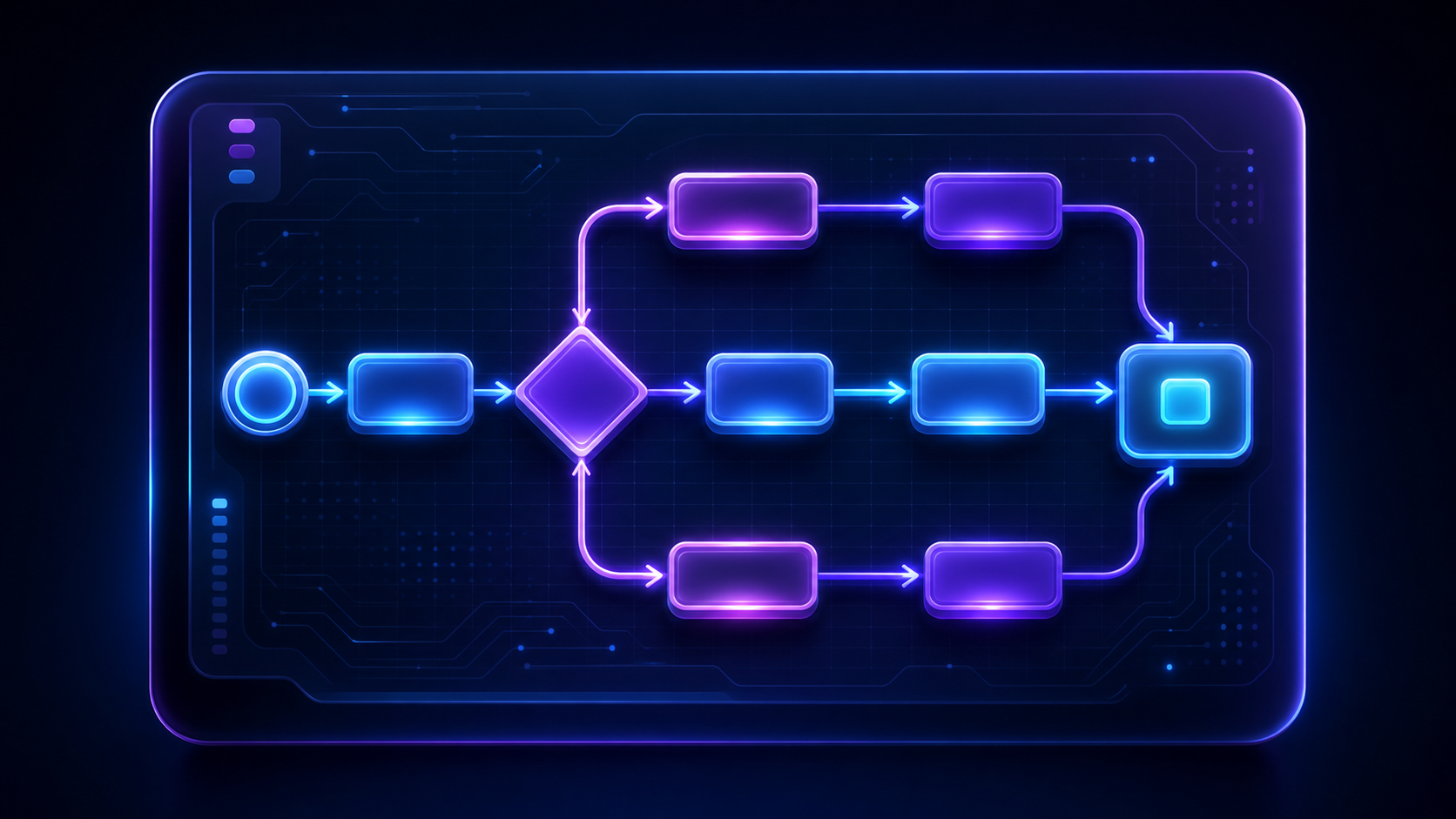
Editor
Use visual editing or Mermaid source
DataUnmess supports structured nodes and directed edges as well as Mermaid flowchart TD and LR source. The same saved flow can be opened in the manual editor or the Mermaid editor.
Use auto-layout when the graph should reorganize itself. Turn it off when exact node placement matters, then drag nodes into the arrangement your team expects.
Prompt refinement
Change the saved diagram without rebuilding it
Ask your AI to add a branch, rename a step, remove an obsolete node, reconnect an edge, or duplicate the current diagram. Updates target the saved flowchart so the artifact remains in its original workspace folder.
Flowcharts are diagrams, not executable transformations. When the goal is to clean, join, schedule, or publish data, create a Data Pipeline instead.
Best uses
Document operations, architecture, and decisions
Flowcharts are useful when a process is hard to understand in prose or when several teams need a shared map before implementation.
Example prompts
Ask for the outcome in business language
Create a left-to-right flowchart for our lead qualification process, including the budget and timing decisions.
Add a compliance review branch after contract approval and reconnect both outcomes to onboarding.
Duplicate this flowchart as Enterprise onboarding and rename the final step to Customer success handoff.
FAQ
Flowcharts questions
Can DataUnmess create flowcharts from Mermaid?
Yes. Provide Mermaid flowchart TD or flowchart LR source, or let the AI create structured nodes and edges for the same saved editor.
Can I edit a generated flowchart?
Yes. Rename, add, remove, and reconnect nodes and edges through prompts or the editor. You can also change layout, theme, outline, background, and Mermaid source.
Is a flowchart the same as a Data Pipeline?
No. A flowchart documents a process or architecture. A Data Pipeline executes transformations and writes data to a destination.
Continue exploring